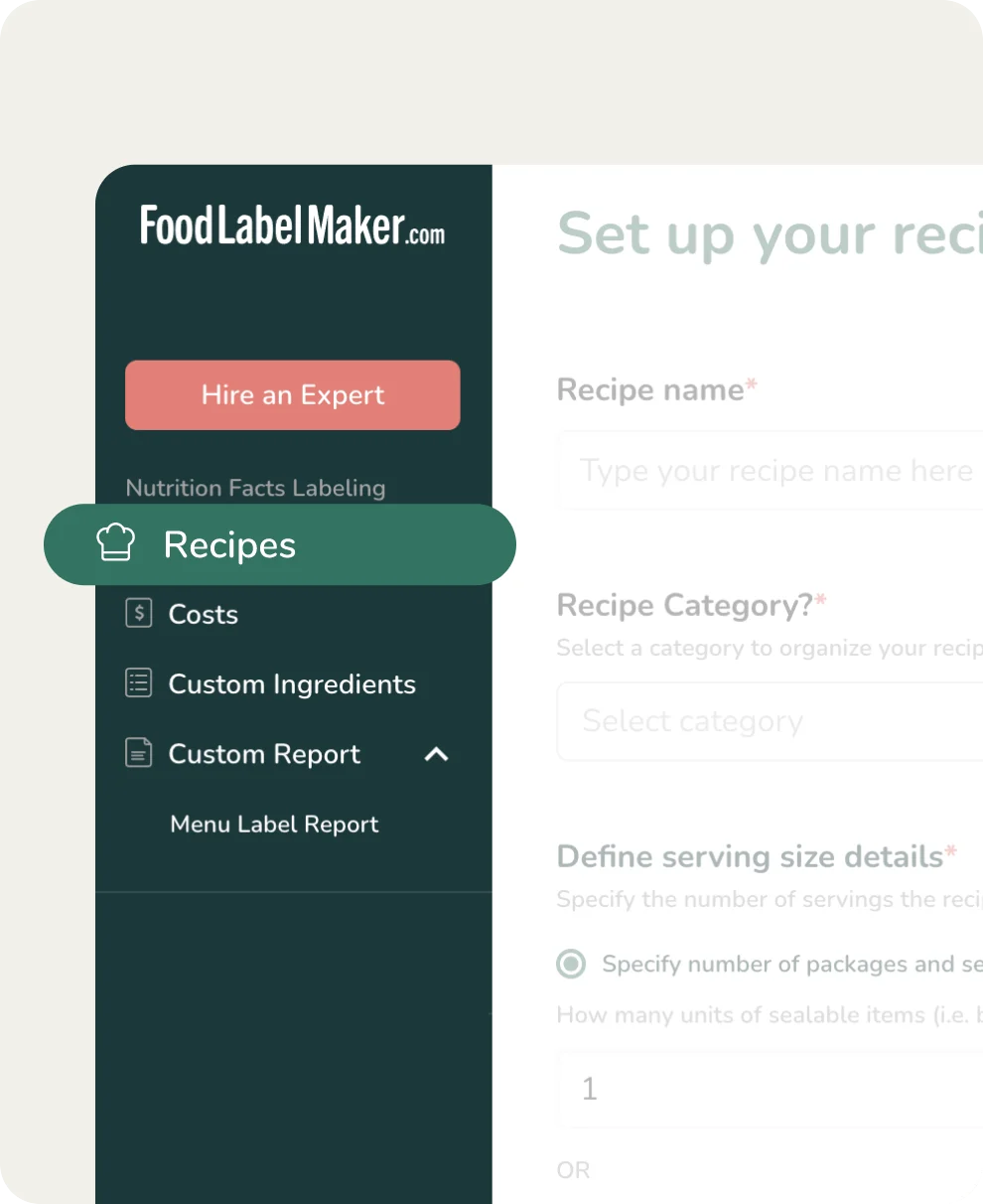
Customizable Nutrients, Vitamins & Minerals Display
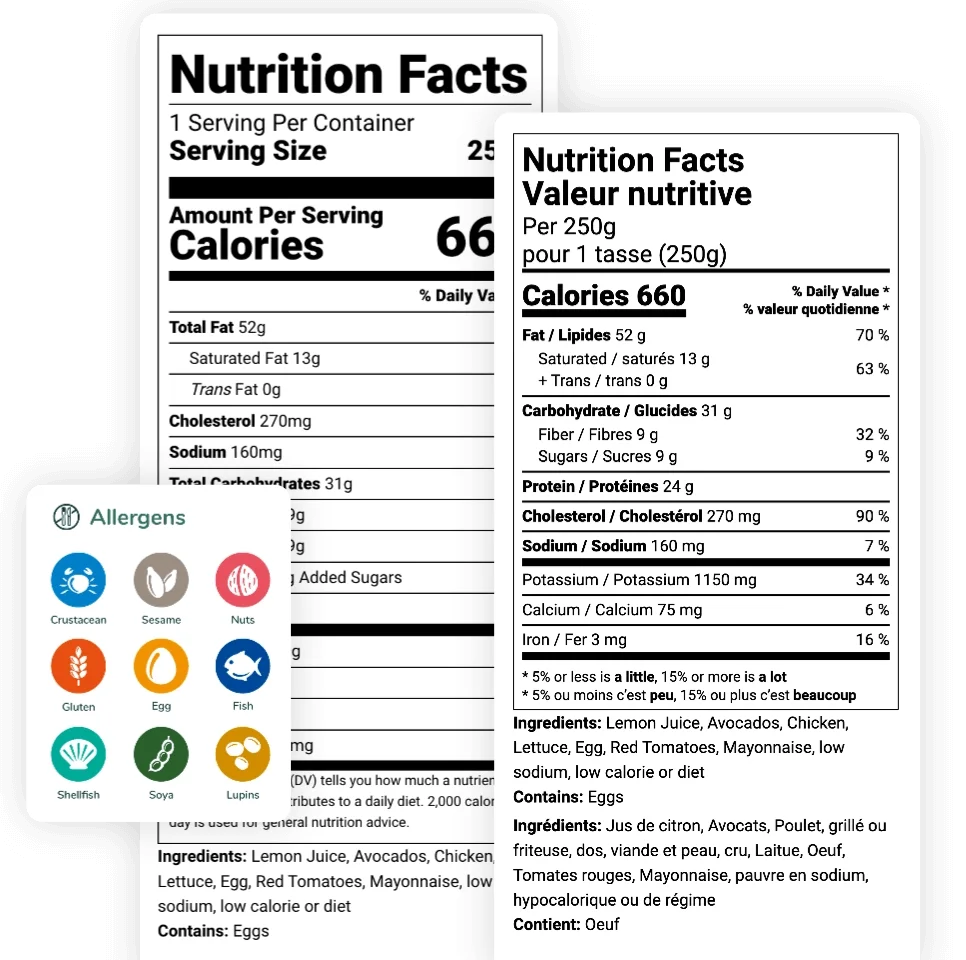
Choose what nutrients, vitamins, and minerals you’d like to show or hide on your nutrition facts label to help quickly adapt to changing regulations whilst meeting consumer needs.
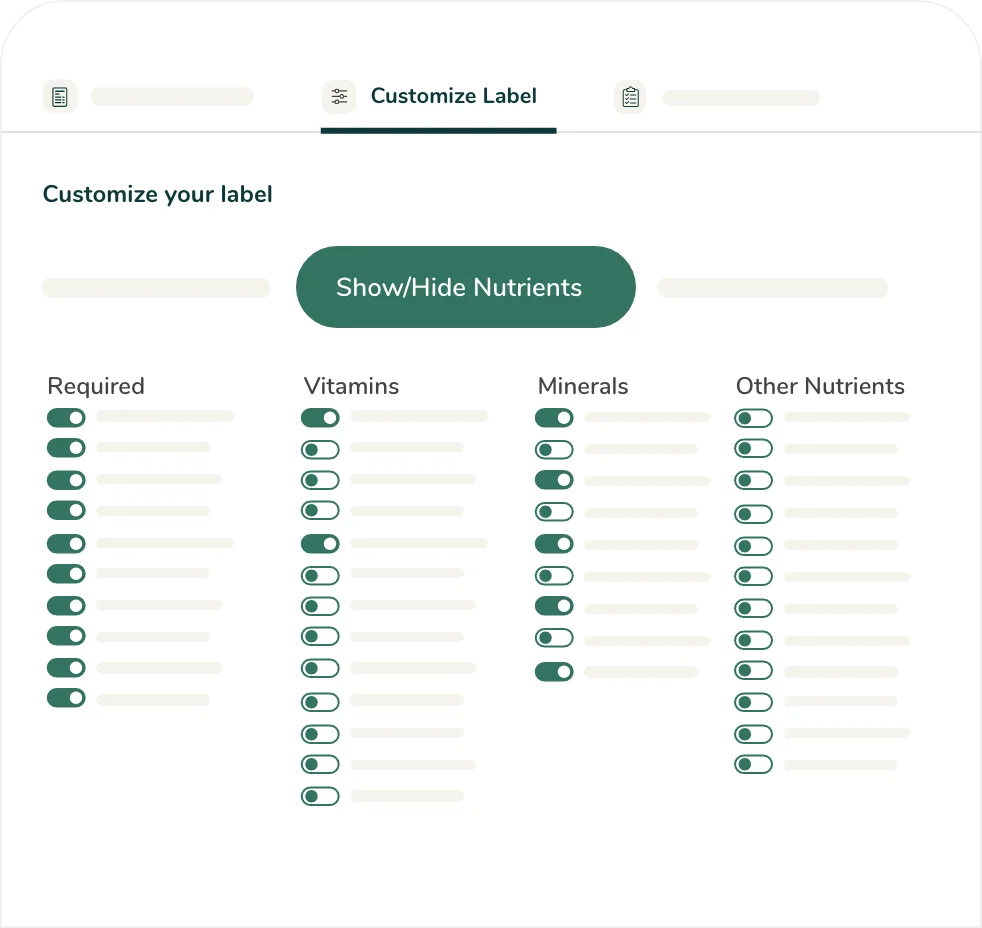
Key Benefits of Customizing Your Nutrients Display
Different markets require specific nutrients or Protein Daily Value percentage to be declared on a nutrition label. Our feature instantly determines what to display, giving you the flexibility to format your label for any market or packaging constraint.
Regulatory Compliance
By easily customizing what shows on nutrition panels, food businesses can effortlessly keep up with the ever-changing market compliance regulations.
Market Competitiveness
Food products that highlight key nutrients, or components unique to the item, are more likely to capture customers who prioritize nutrition.
Meeting Customer Needs
Display the essential nutritional information customers seek, such as low-sodium or high-fiber callouts.
Brand Advocacy
Creates transparency and builds customer trust by selectively highlighting the accurate, honest nutrition information that matters most to consumers.
How it Works?
-
Create Your Recipe
Set up your recipe by adding your general information, serving size, and ingredients using our database of over 500,000 verified ingredients.
-
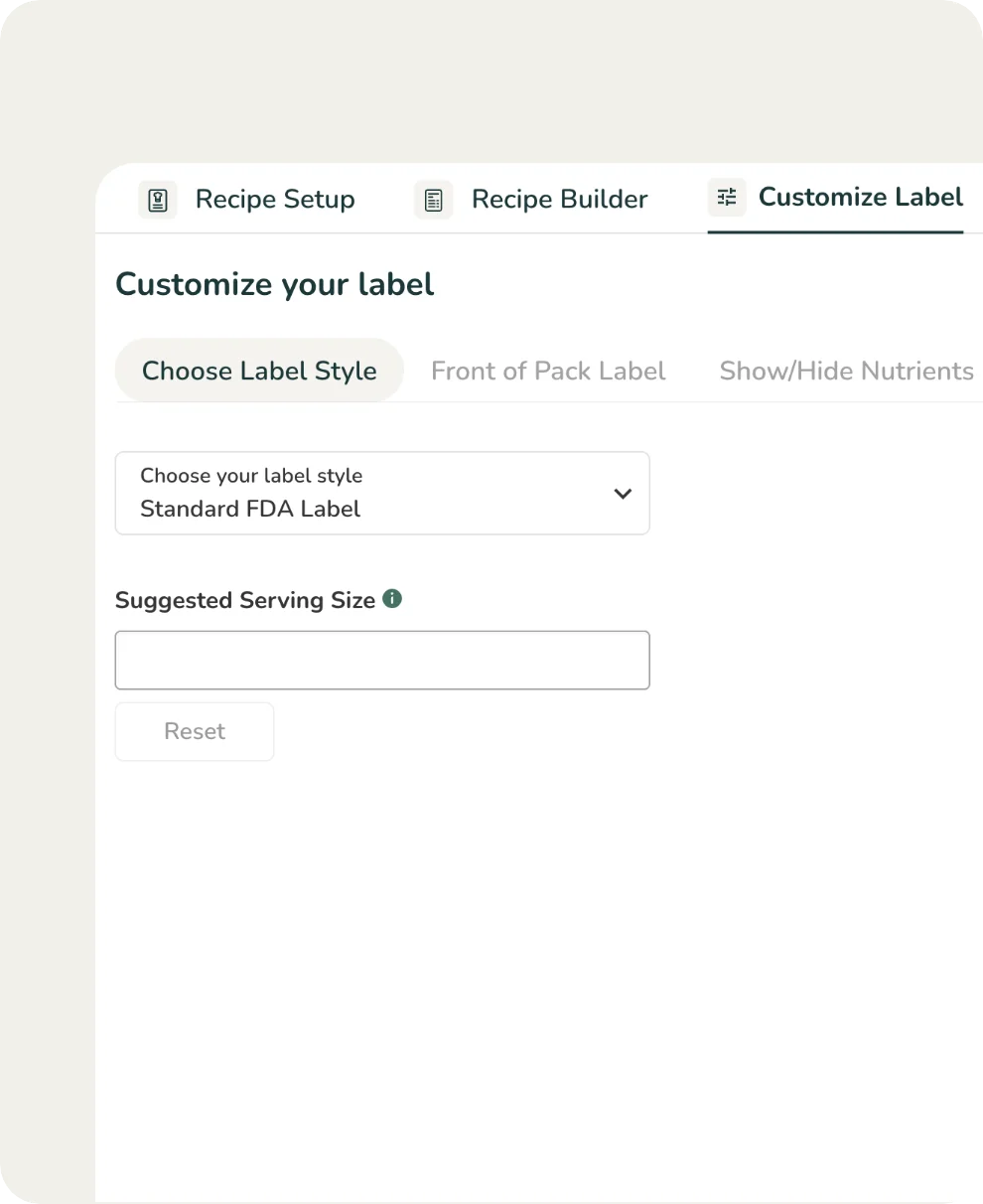
Customize Your Label
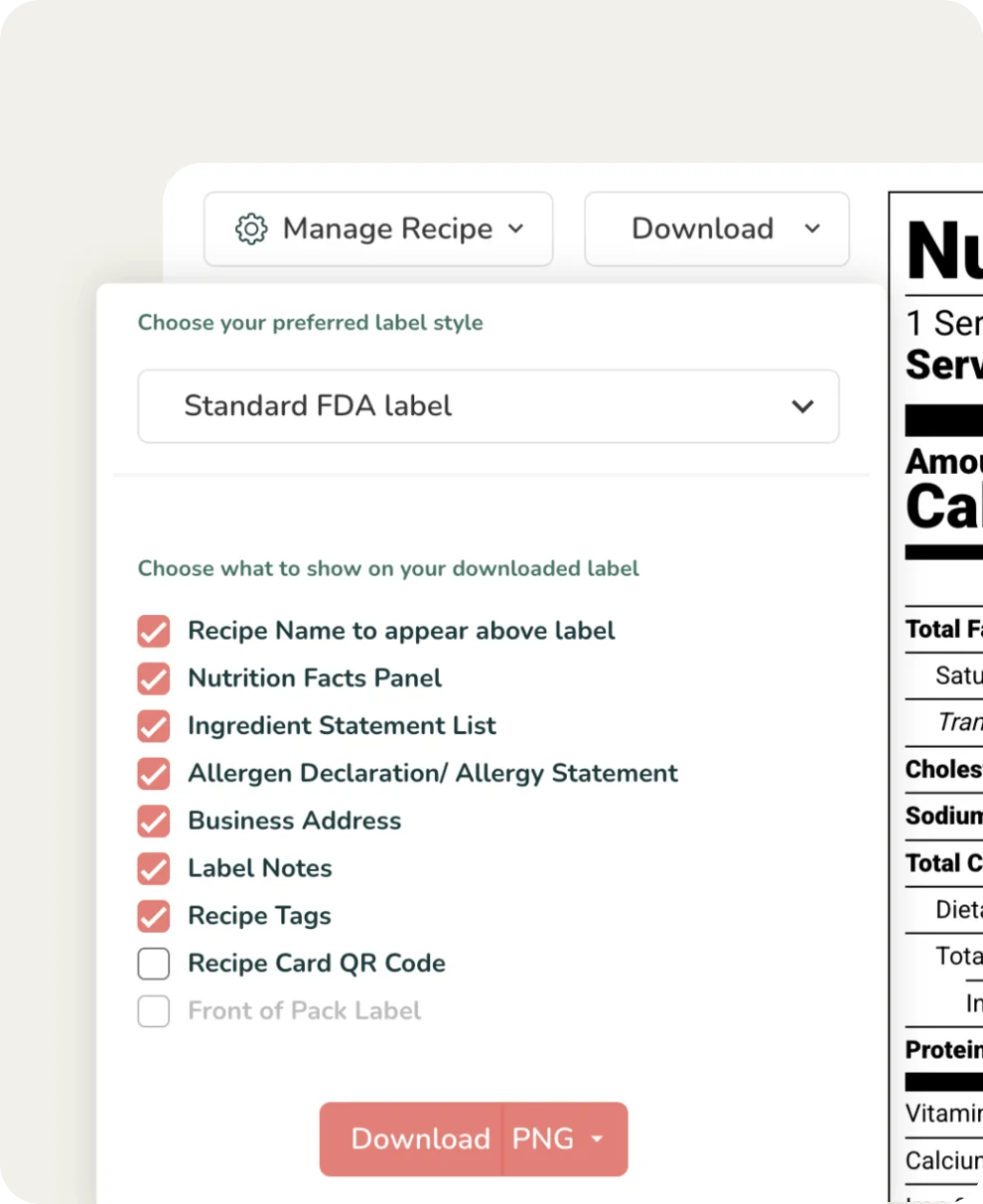
Navigate to Customize Your Label in your toolbar. Here you’ll find options to choose your label style, change the language, and even manually override your nutrition label.
-
Show/Hide Nutrients
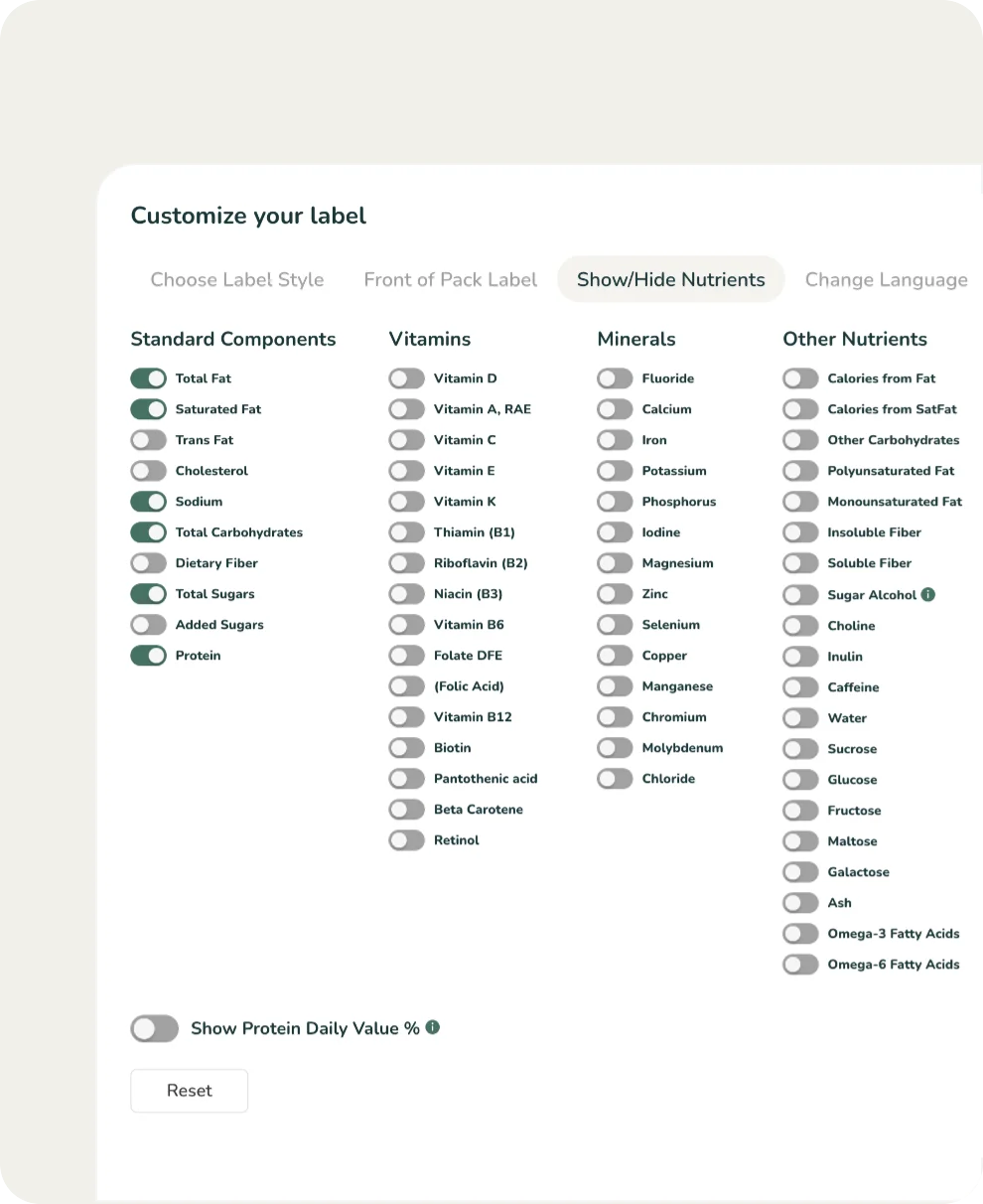
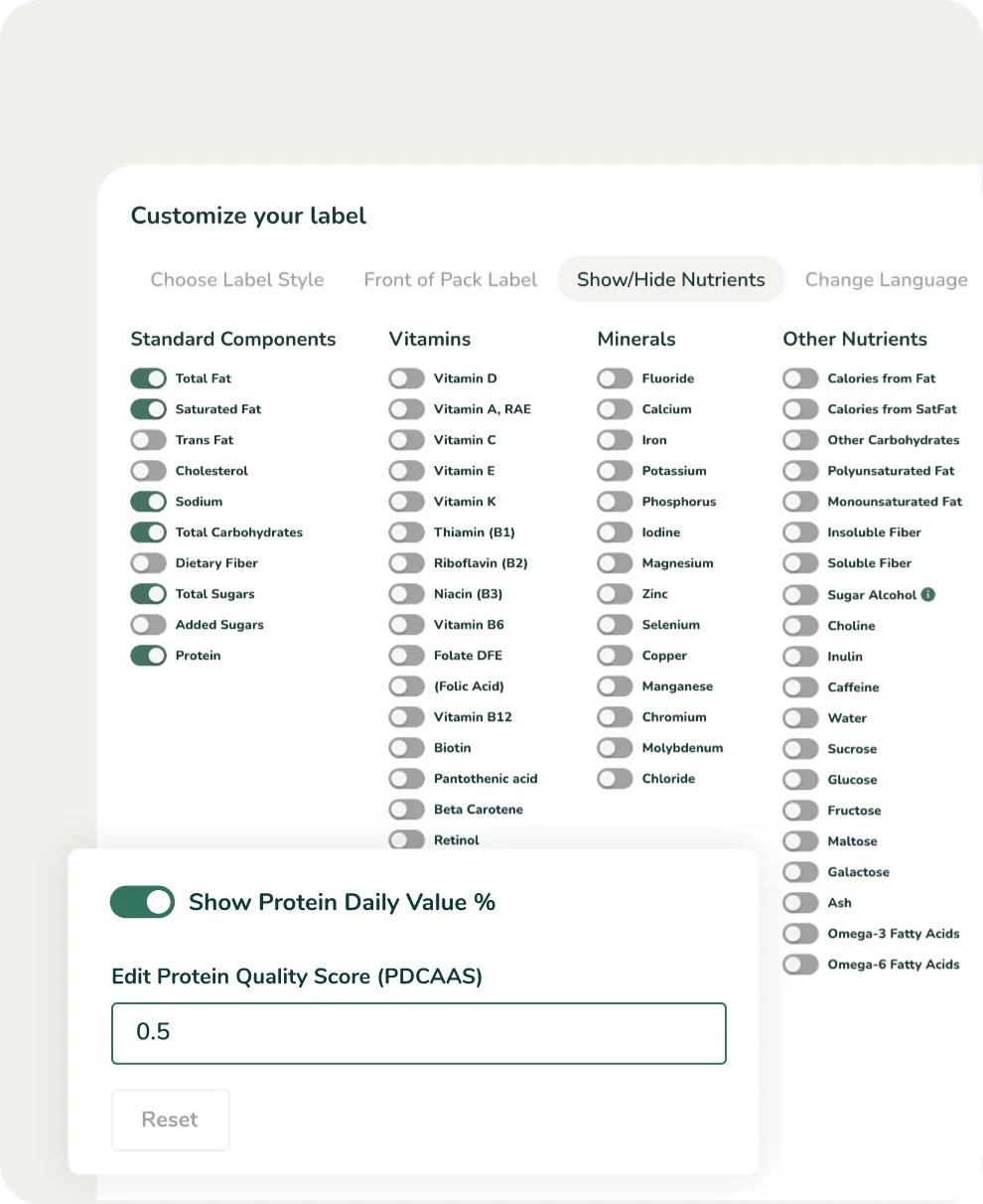
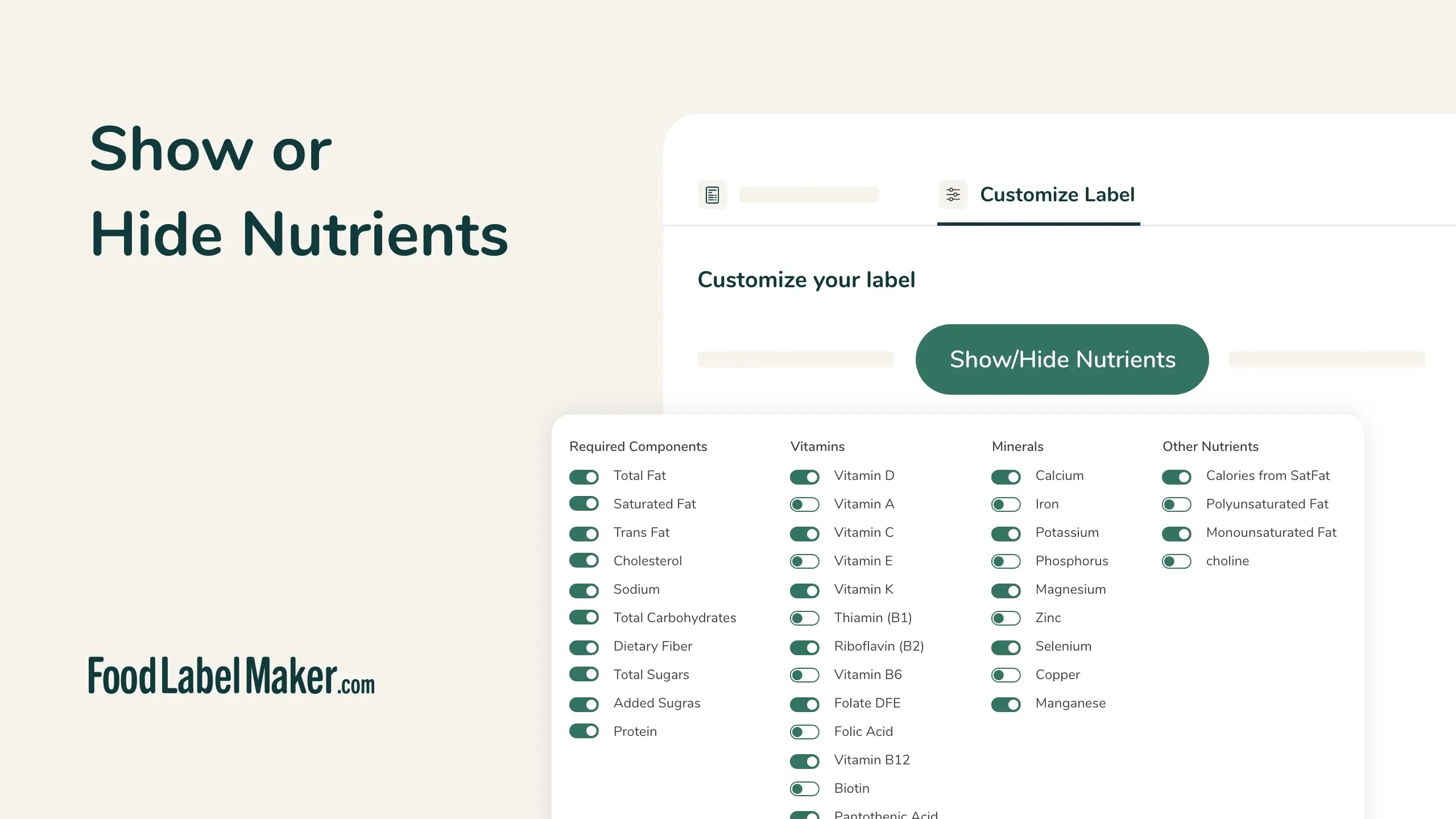
Click on Show/Hide Nutrients within the Customize Label tab. You’ll be able to choose what Standard Components, Vitamins, Minerals, and Other Nutrients to show on your nutrition label.
-
Toggle Vitamins, Minerals, and Other Nutrients
Easily toggle between showing and hiding any nutrients, vitamins, and minerals in your recipe. Mandatory components for each country/region are toggled on by default, ensuring your label remains effortlessly compliant with regulations.
You’ll also be able to show your Protein Daily Value (%) in this section.
-
Save & Download Your Recipe
Now your nutrition facts label is ready to be used. Simply download your recipe and have it printed and ready for market.
Hear What Our Clients Have to Say
From global food manufacturers to specialty meal plan companies, here’s what our clients have to say about how our nutrition facts labeling software helped them achieve regulatory compliance and clearly connect with their target health-conscious customers.
Discover how straightforward features give them unprecedented control over their label presentation, ensuring clarity, accuracy, and brand alignment.









About Us
Food Label Maker provides food businesses of all sizes with the essential tools to generate accurate, market-ready nutrition labels.
The ability to show or hide any nutrient, vitamin, or mineral guarantees your business meets evolving regulatory mandates while strategically highlighting key nutritional advantages for your customers.
Customize Your Label’s Vitamins & Minerals Today
Frequently Asked Questions
About Using a Customizable Nutrition Facts Label
01
How do I know what nutrients must be shown and what can be hidden?
The Food Label Maker tool makes it very easy for you to remain compliant when it comes to what nutrients should be shown. Once you choose your Label Style (FDA, FSA, CFIA, etc), your show/hide nutrients section will automatically toggle the mandatory components to ‘on’.
That way, you’ll instantly know what nutrients, vitamins, and minerals are needed to keep your nutrition label market-compliant.See how this feature works by booking a demo or viewing our pricing plans today to get started.
02
What happens if I don’t include a mandatory nutrient on my nutrition label?
The CFIA and other regulatory bodies declare what nutrients should be displayed on nutrition labels. This information is required to ensure consumer safety and transparency. Failure to comply can result in serious legal ramifications, including fines, product recalls, and business closure.
Consult our regulatory hub for more information, or create a free label to try the tool out yourself.
03
In what order are the nutrients and minerals listed on the nutrition facts label?
According to the regulations of the ACIA (Canadian Food Inspection Agency), there is a precise order in which nutrients, vitamins, and minerals must be listed on a nutrition facts table.
Our tool already classifies each component in the exact order required to be considered compliant with the regulations. If you switch to another label format, whether for the same country or a different country, the order of your components will also be modified to reflect the correct order for the chosen market.
If you would like to know more about nutritional tables in Canada, read our blog: Nutrition Labels Canada: A Business Compliance Guide , or book a demo to learn more about the capabilities of our software.